[08/13] Case study
Adobe Acrobat
The project
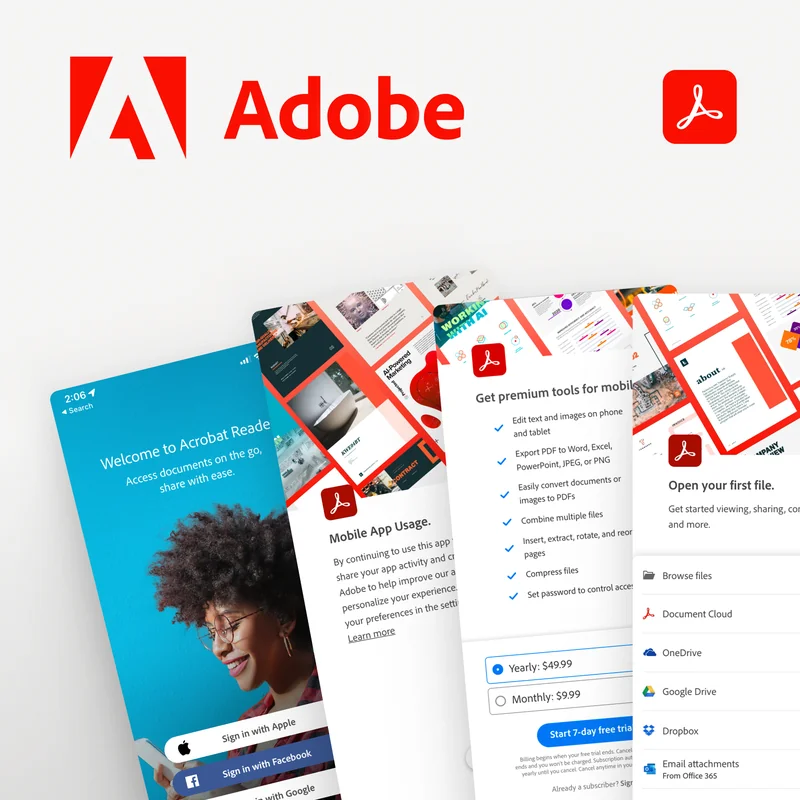
Adobe Acrobat is Adobe’s PDF app, on phones and tablets as well as desktop. This engagement was about its onboarding: the first minutes a new user spends in the app on mobile and tablet, where they either discover what Acrobat can do or bounce. Flowform took it on alongside a partner studio that held the Adobe relationship.
Our role
Flowform provided UX and UI design on the studio’s team, responsible for the onboarding concepts and the interactive prototype.
The problem
Acrobat is a deep product, and first-time users on a small screen see very little of that depth. The onboarding had to introduce the key features quickly without turning into a tour nobody finishes, work across phone and tablet layouts, and do all of it inside Adobe’s established design language rather than inventing a new one.
What we did
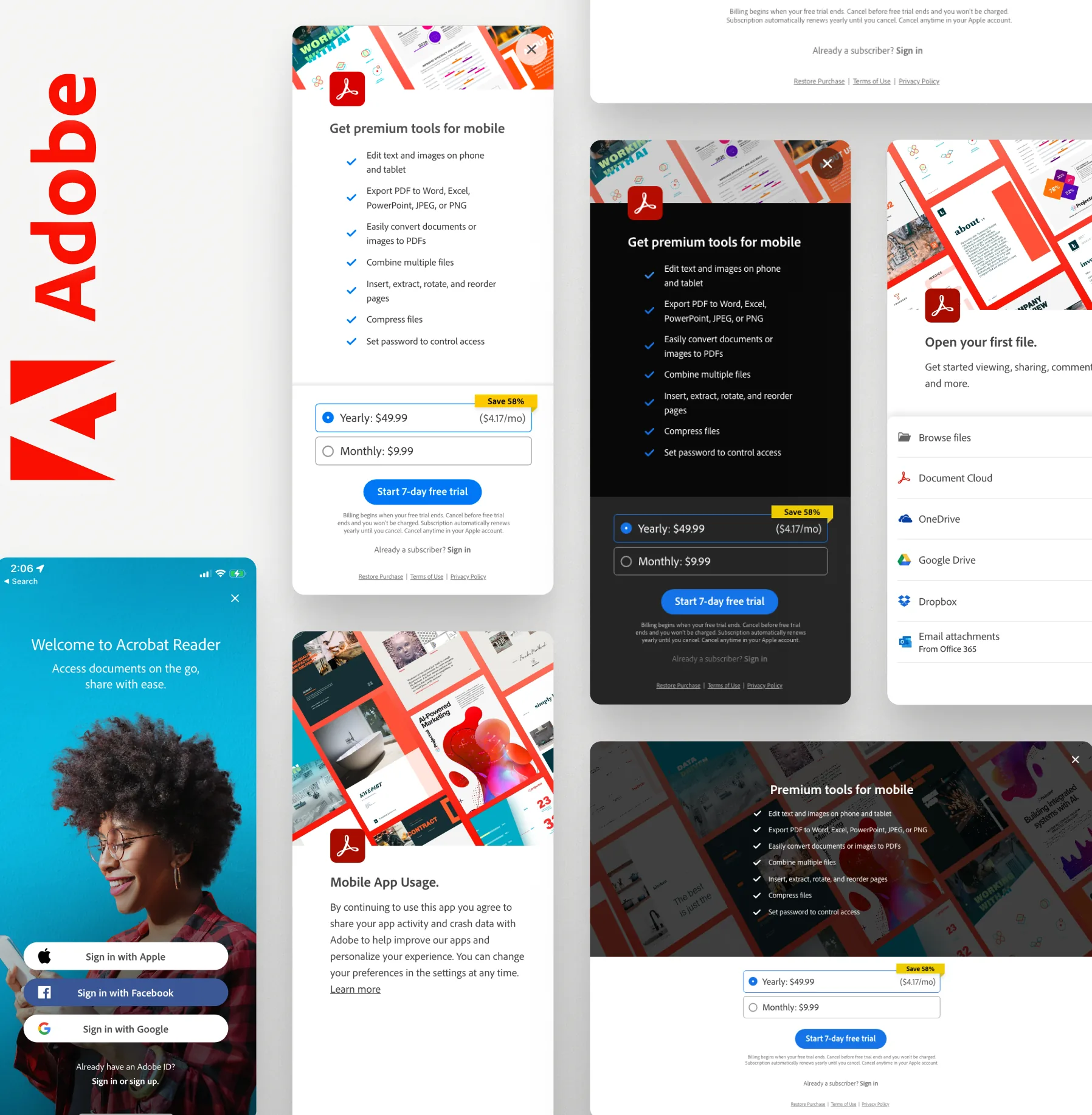
We explored UX and UI concepts for the first-time experience, simplifying the onboarding flow to the few steps that get someone to a real result fast, and designed responsive interface patterns that adapt between mobile and tablet while introducing the features that matter most, all within Adobe’s design system.
We built an interactive prototype so the studio and Adobe could feel the flow rather than review it as static screens, and iterate on timing, sequencing, and what to show first.
The outcome
A set of onboarding concepts and a working prototype that gave the team a tangible direction for a smoother first-time experience on mobile and tablet, consistent with the rest of Adobe’s products.
Skills and deliverables
- UX and UI
- Mobile app
- Prototype design
- Product design